The steps, in any tool
The same five moves, whichever tool you use.
- Open your video in a tool that finds silences.
- Let it find the pauses. Most tools mark them on the timeline or in a transcript.
- Choose how tight the edit should be. Too tight sounds rushed. Too loose leaves dead air.
- Play it back and listen at a few cuts. Check that no words got clipped.
- Export a trimmed video, or a timeline you can keep editing.
Doing it in Cut It Out
Four steps, about a minute of work on an hour of footage.
-
Open your file
MP4, MOV, MP3, WAV and more. Nothing uploads. The whole thing runs on your computer.
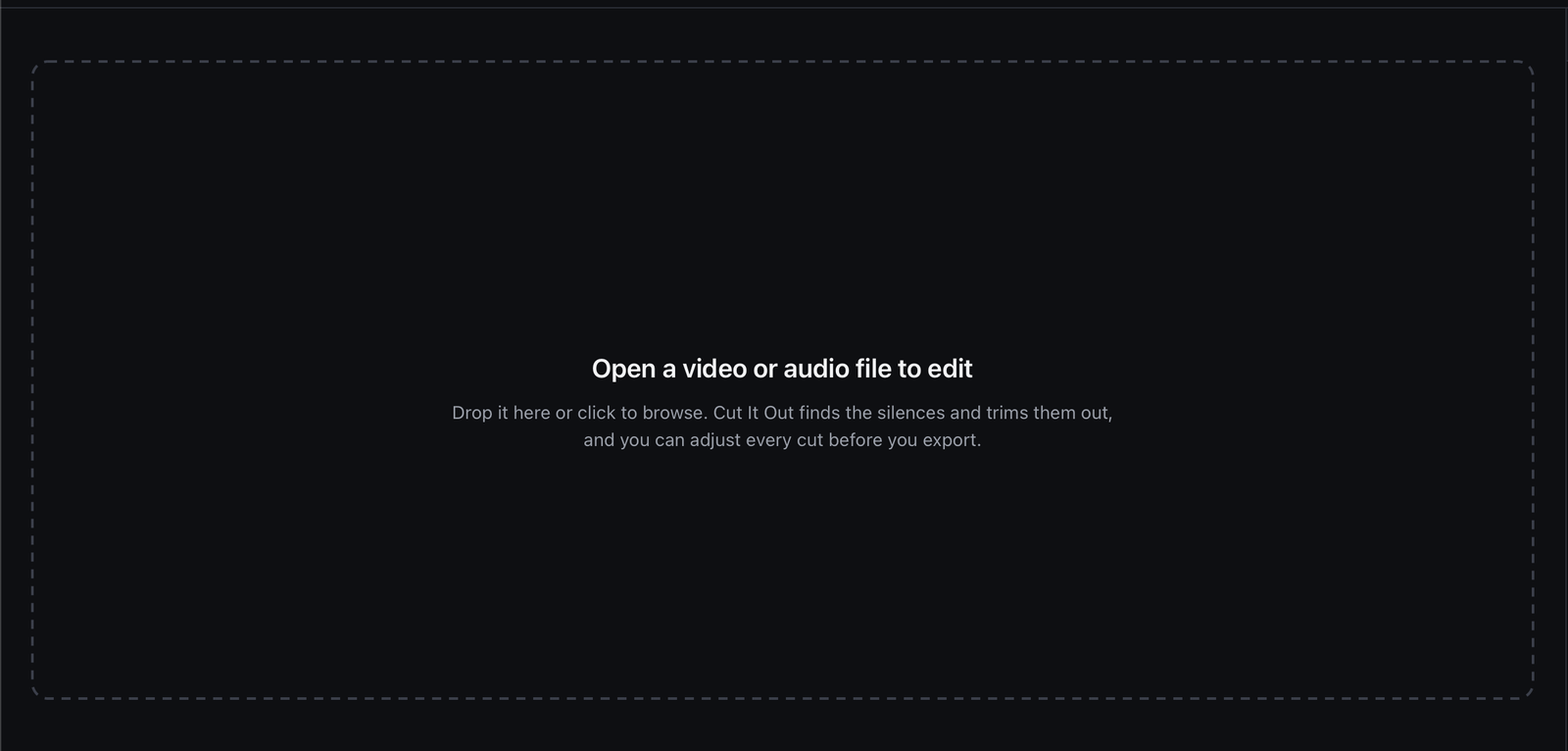
Drop a file in, or click to browse. -
Read the timeline
Every silence is already marked when the file opens. You do not press scan.
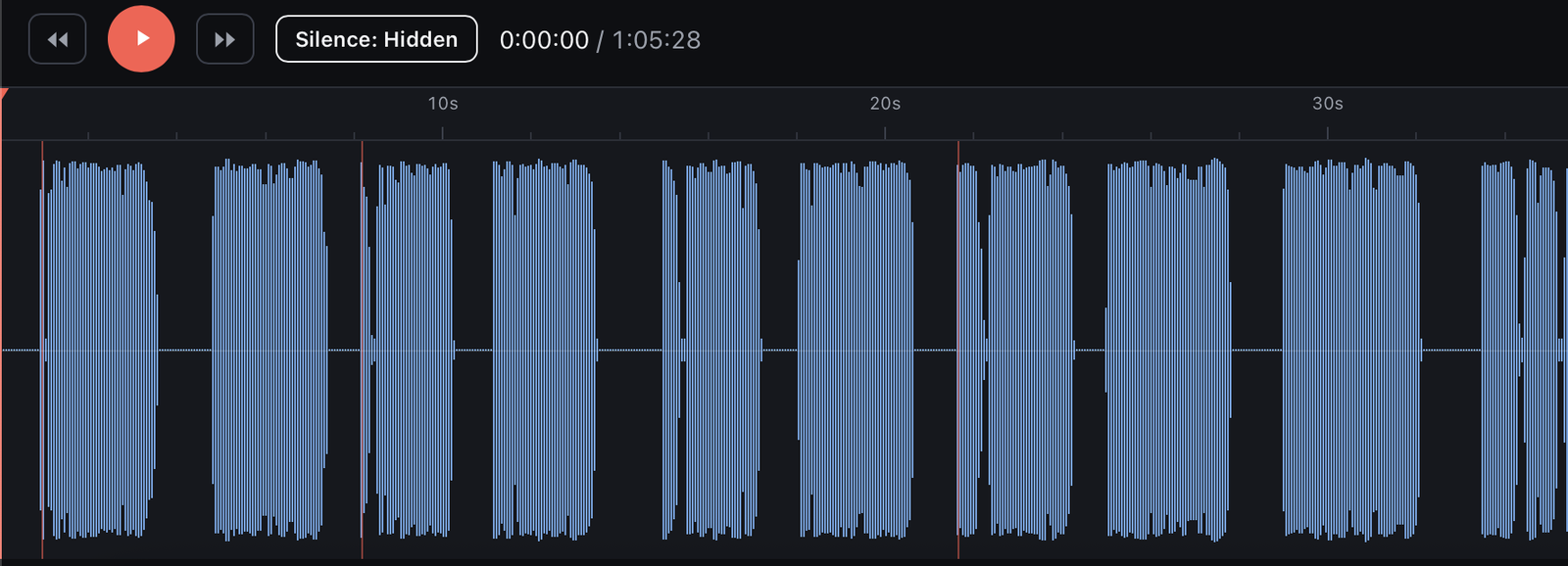
Each red line is a cut. The gaps between the blue blocks are the pauses it found. -
Choose how tight
Pick the preset that matches what you are making. The player shows the new length straight away, so you can hear the edit before you commit to it.
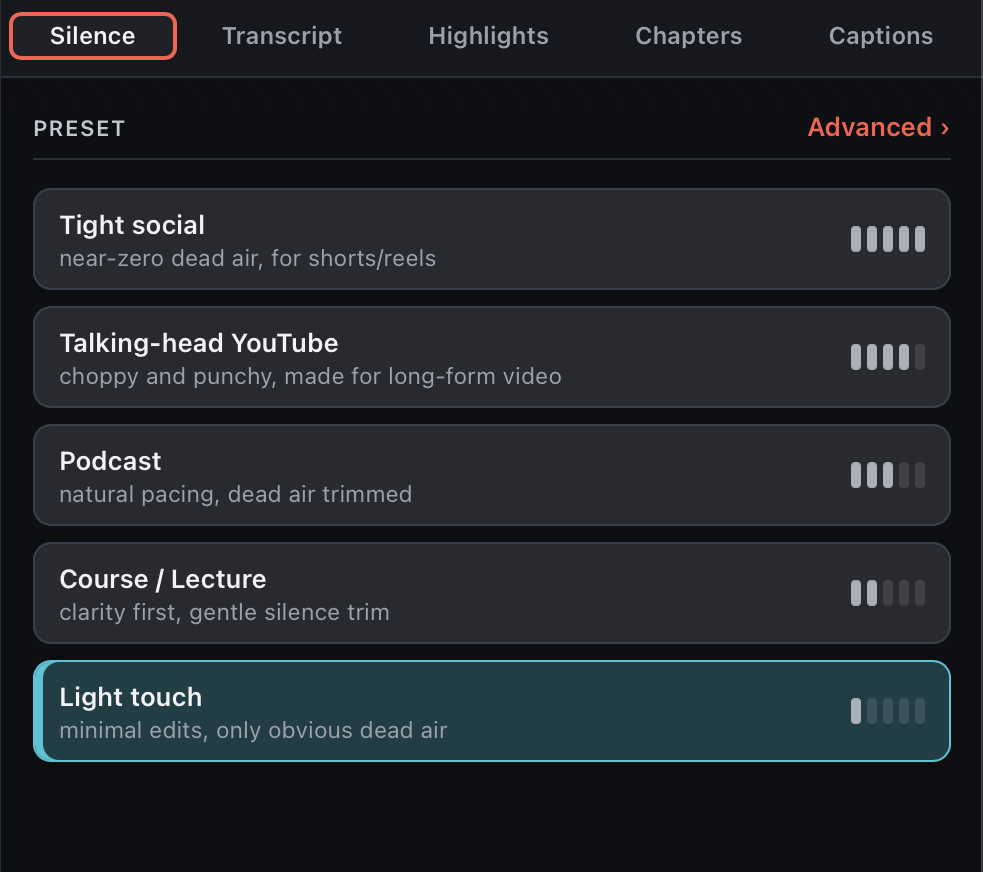
Five starting points. Every one of them is still adjustable. -
Export
Take a trimmed MP4, MP3 or WAV. Or send the cut timeline to Premiere, Final Cut, Resolve or any editor that opens EDL files, and keep editing there.
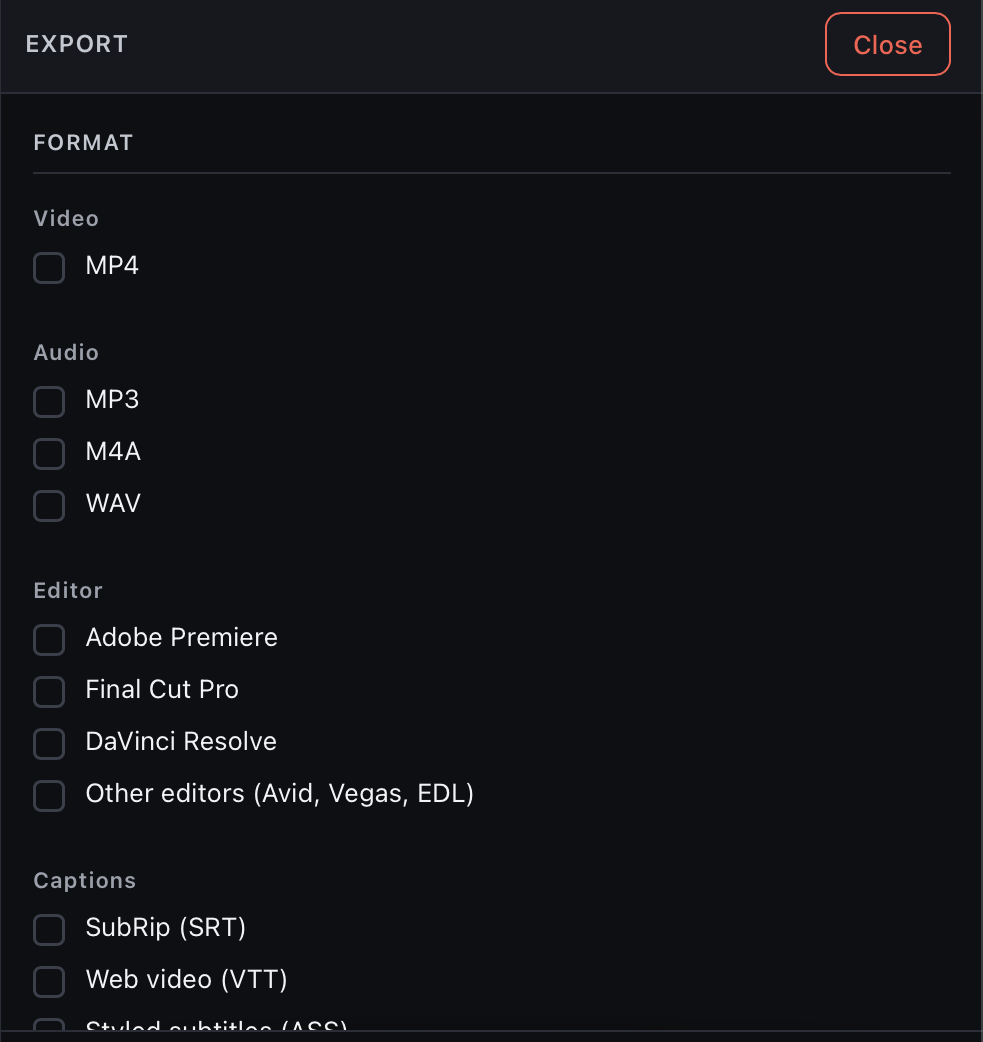
One finished file, or a timeline for the editor you already use.
Common questions
Can I remove silences from a video for free?
Yes. Cut It Out gives you 3 free exports with no watermark and no account. After that it is $49 once, with no subscription.
Does it work in other languages?
Yes. Silence removal in Cut It Out works in any language.
Does Cut It Out run on Windows?
Yes. It runs on Mac and Windows. Linux is coming soon.
3 free exports. No card, no watermark, no account.
Premiere Pro, Final Cut Pro and DaVinci Resolve are trademarks of their owners, used here only to name their products. Cut It Out is not affiliated with any of them.