What a repeated take looks like
You start a line, stumble, and say it again: "So today we're, so today we're going to look at three things." The first try should go. The second one stays.
Doing it by hand
Works in any editor with a transcript. It is slow but it is free.
- Get a transcript of your video. Most editors can make one for you.
- Read through it and look for lines that start the same way twice in a row.
- Keep the last take. It is usually the clean one.
- Delete the tries before it. In text-based editing, deleting the words deletes that part of the video.
- Play each cut back to check it flows.
Doing it in Cut It Out
It reads the transcript for you and cuts the obvious ones.
-
Open your file
It makes a transcript on your own computer. The first time, it downloads the speech model it needs.
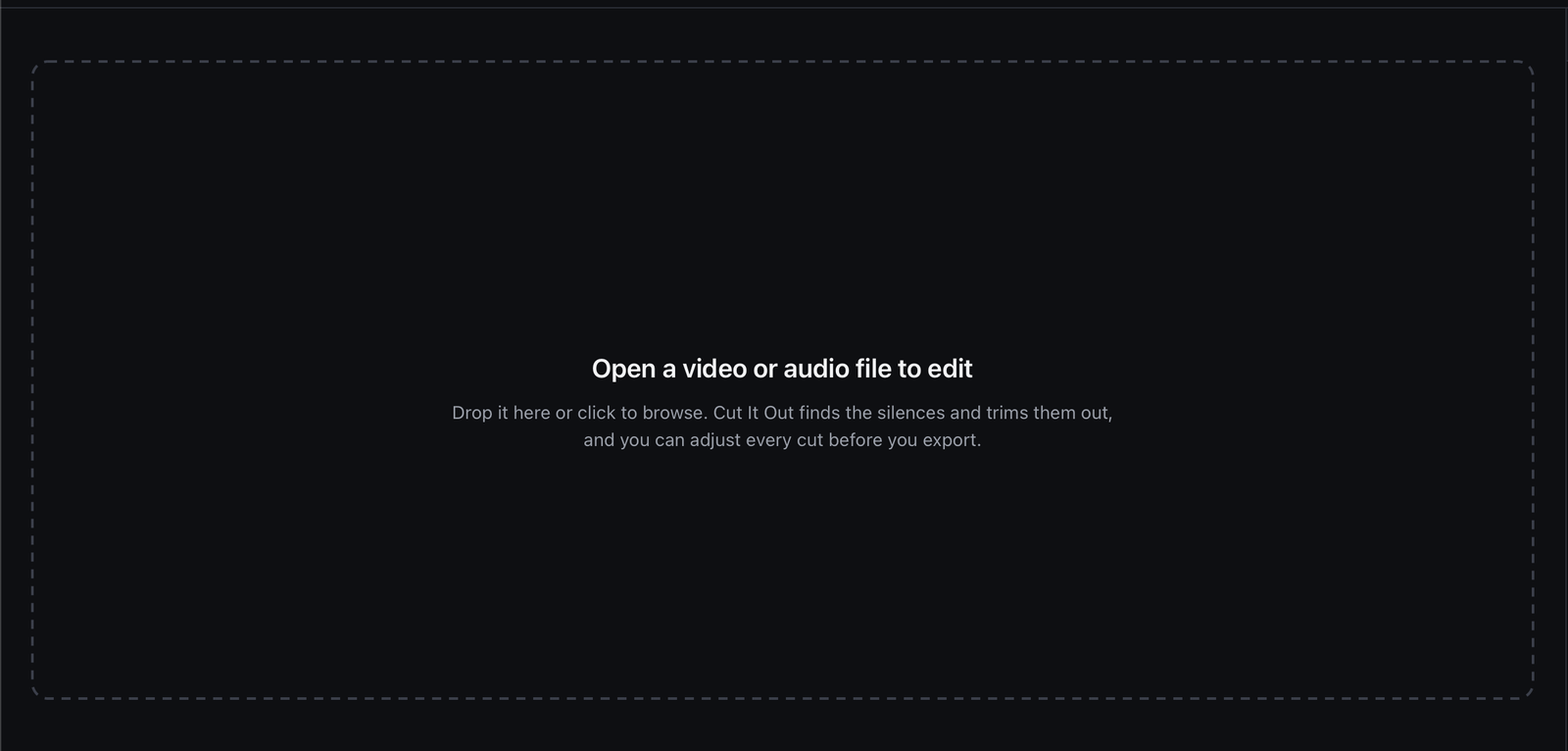
Drop a file in. The transcript is made on your machine, not a server. -
Turn on Remove repeats
The switch counts what it found before you turn it on, so you know whether it is worth running.
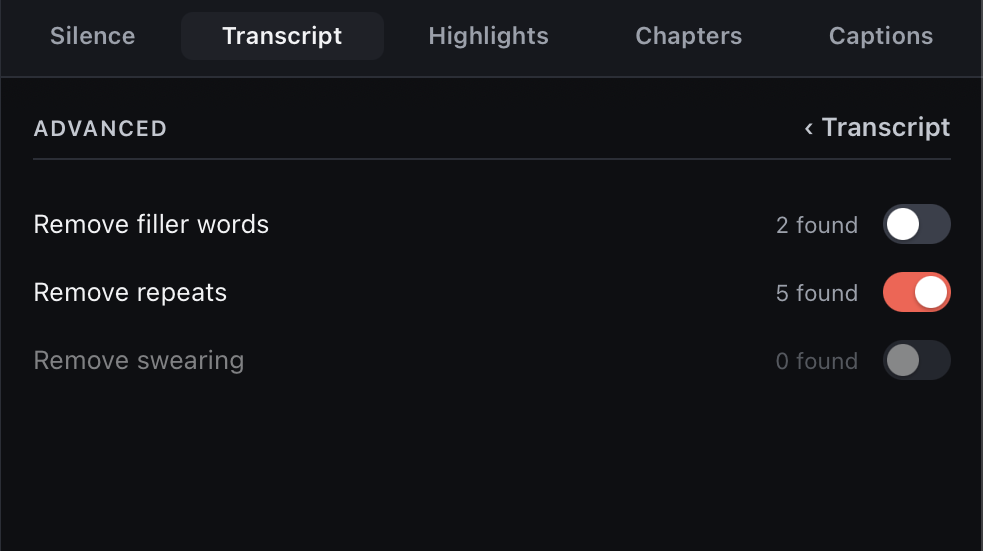
Filler words and swearing have their own switches, with their own counts. -
Check the transcript
The clear ones are cut for you: the same words said again right after, so nothing you said is lost. Every cut is struck through, so you can read what went.
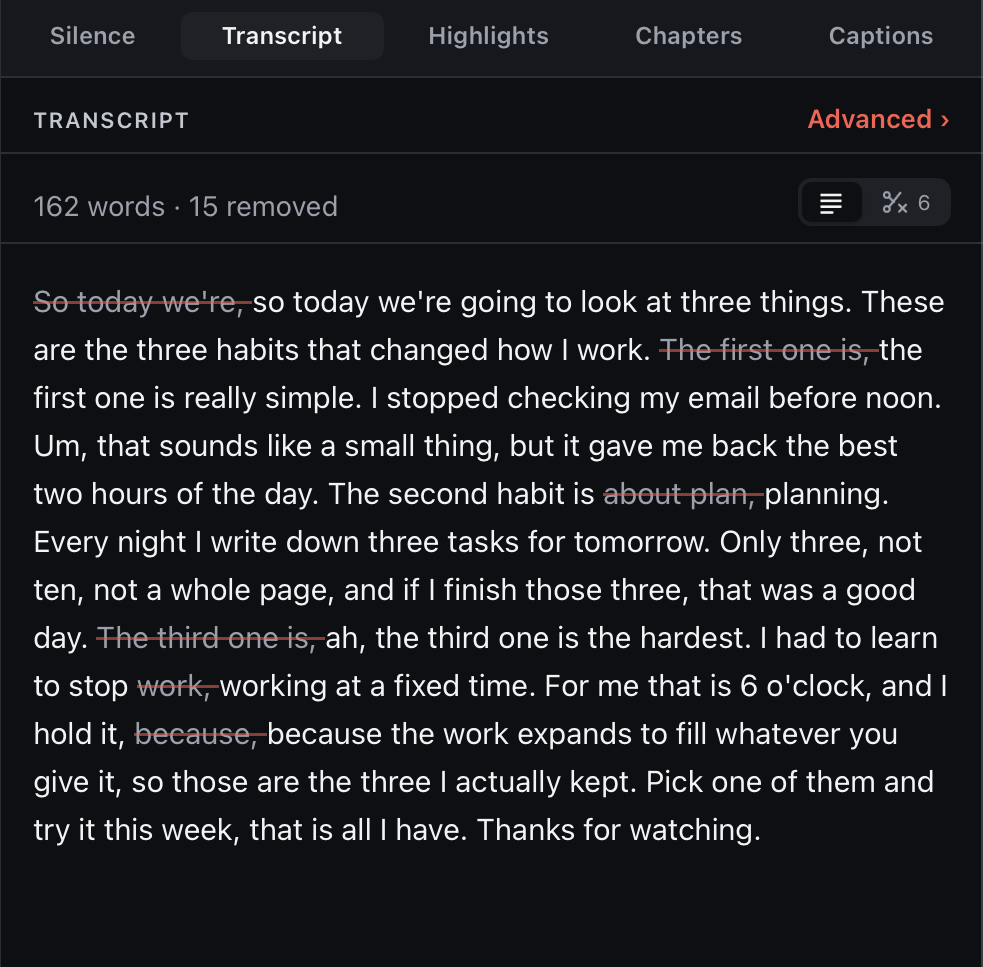
Each restart is struck through. The clean take stays. -
Export
Take a trimmed video, or a timeline for Premiere, Final Cut, Resolve or any editor that opens EDL files.
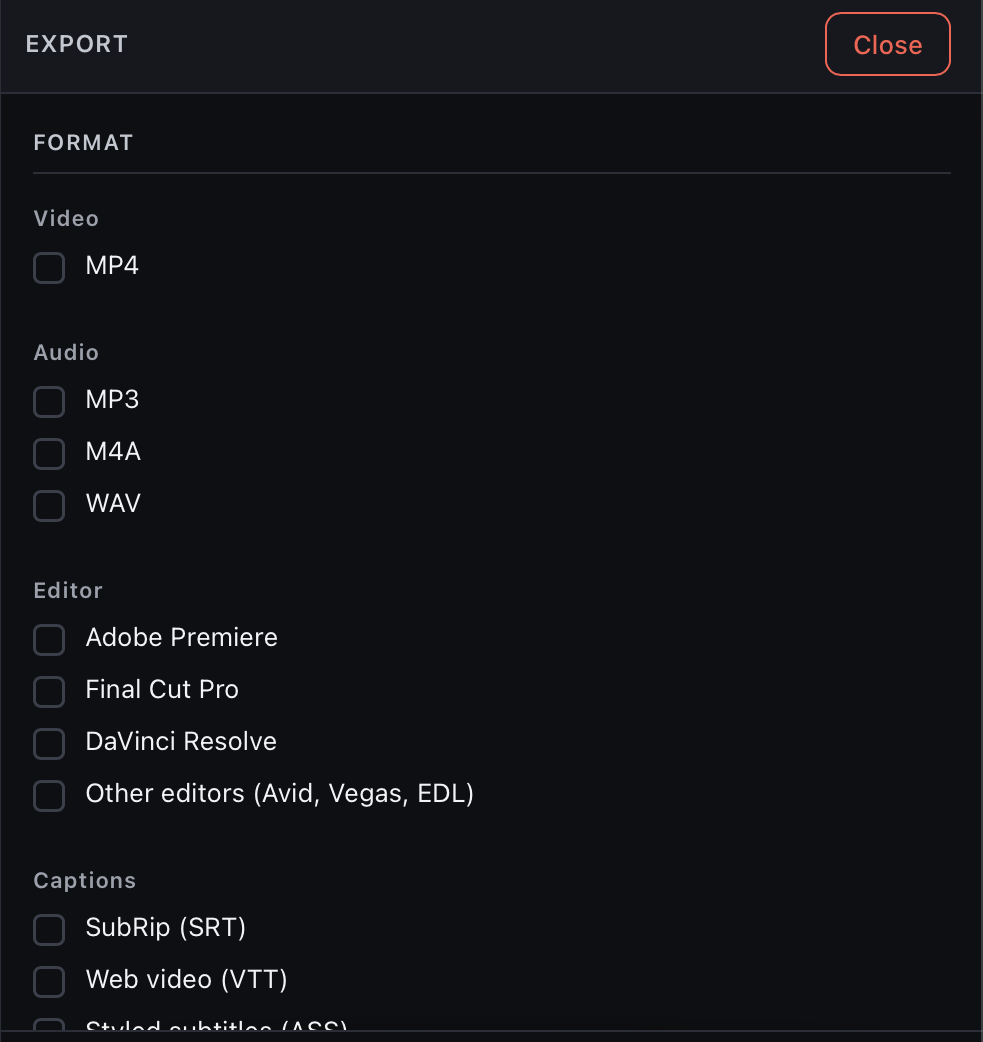
One finished file, or a timeline for the editor you already use.
Common questions
Can software find repeated takes for me?
Yes, the clear ones. Cut It Out cuts a take when you say the same words again right after it. The ones it is unsure about are marked for you to cut or keep. It won't catch every restart, so read through before you export.
What languages does it work in?
Finding repeated takes works in English for now. Silence removal works in any language.
How much does Cut It Out cost?
3 free exports, then $49 once. No subscription. It runs on Mac and Windows.
3 free exports. No card, no watermark, no account.
Premiere Pro, Final Cut Pro and DaVinci Resolve are trademarks of their owners, used here only to name their products. Cut It Out is not affiliated with any of them.